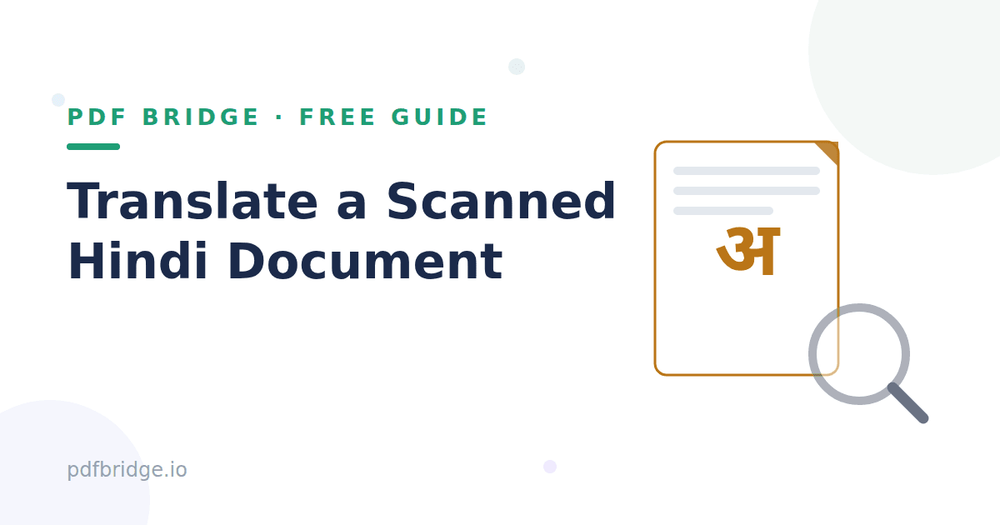
Here's my rule: read the first paragraph of the OCR output against the original image. If it's 95%+ correct, you're fine — just fix the odd character. If every other word is wrong, rescan with better light before going further. Ten minutes rescanning beats an hour fixing garbage text.
Can I skip OCR somehow?
Not really — it's like asking to translate a book without opening it. Some modern tools combine OCR and translation in one step, which is convenient, but the OCR is still happening under the hood. Understanding the two steps helps you troubleshoot when results look wrong.
Related tools: Hindi to English PDF translator, Translate PDF online, How to Translate a Hindi PDF to English Free
Frequently asked questions
Q: Is translating a scanned Hindi document free?
A: Yes — PDF Bridge's free plan covers document translation within the daily limit. No signup needed to start.
Q: My scan is a bit blurry — will it work?
A: Blurry scans produce unreliable OCR. Rescan with steady hands and good light first; it saves more time than fixing bad output.
Q: Does it work for handwritten Hindi?
A: Poorly. OCR is designed for printed text. Handwritten pages will need manual transcription.
Q: Will tables survive the process?
A: Often not cleanly. Expect to tidy up table layouts in the translated output by hand.