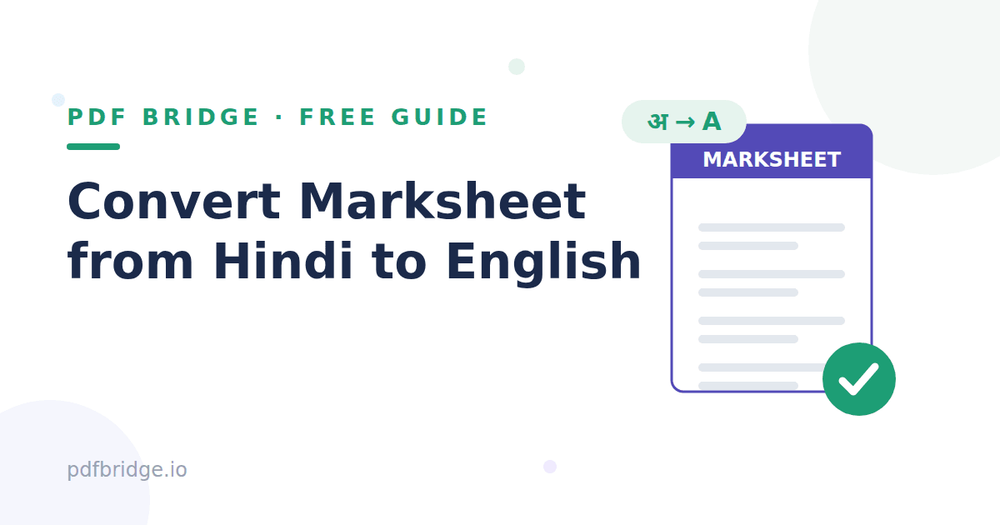
Thousands of students across India get marksheets in Hindi — and then a job application, university admission or visa process asks for an English version. Retyping every subject and mark by hand is slow and error-prone. Here's how to convert your Hindi marksheet to English in minutes, free.
Step 1: Get your marksheet as a PDF
If you have a physical marksheet, scan it clearly with your phone (good lighting, flat surface, no shadows). If your board or university already gave you a digital PDF, even better — use that directly.
Step 2: Upload it to a Hindi-to-English PDF translator
Open PDF Bridge's Hindi to English PDF tool and upload your marksheet PDF. No signup needed.
Step 3: Translate and download
Run the translation and download your English marksheet. Subject names convert to English while your marks, roll number and table layout stay aligned.
Why the table layout matters
A marksheet isn't just text — it's a table of subjects, maximum marks, and obtained marks. A proper PDF translator keeps that table structure intact, so your converted marksheet still reads like a marksheet, not a jumbled paragraph.
Before you submit it officially
Proofread names and numbers — always verify your name, roll number and marks yourself. Check if attestation is needed — some universities and embassies need translated documents attested or notarized. Keep both versions — submit the English version, but keep the original Hindi marksheet handy.
What about scanned marksheets?
If your marksheet is a photo or scan (not selectable text), it needs OCR first. Clear, straight, well-lit scans give the best results. Blurry or tilted photos will cause errors — rescan if needed.