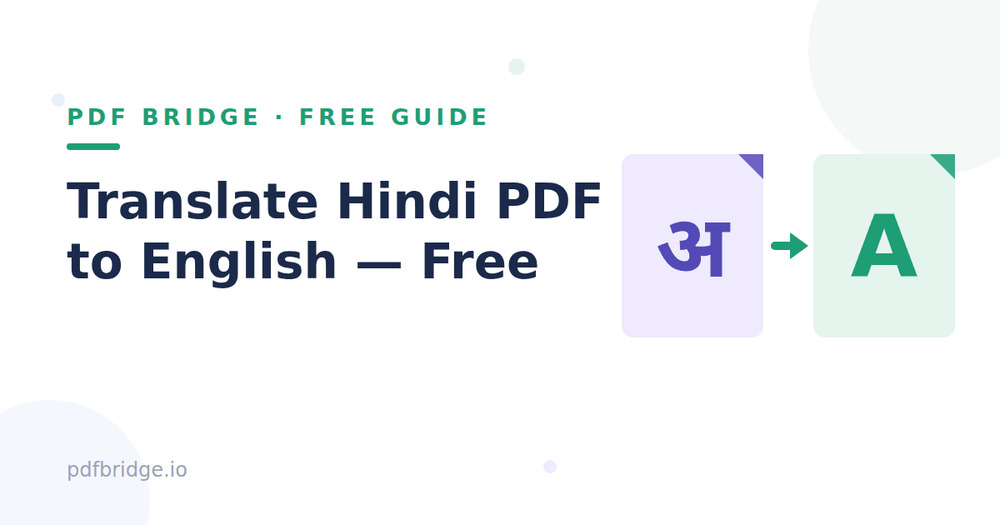
Got a Hindi document that needs to be in English — a marksheet, a certificate, an official letter? Copy-pasting every line into Google Translate is painful, and it destroys your formatting. Here's the faster way: translate the whole PDF at once, free, with the layout kept intact.
Step 1: Upload your Hindi PDF
Go to PDF Bridge's Hindi to English PDF tool and drop your file into the upload box. It accepts PDF files directly from your phone or computer. No account or signup needed to start.
Step 2: Start the translation
Hit translate. The tool reads your Hindi content and converts it into English automatically — tables, headings and structure stay where they were.
Step 3: Download your English PDF
Your translated file is ready in seconds. Download it and use it for job applications, visa paperwork, college submissions, or anything else. That's it — three steps, under a minute.
What kinds of documents work best?
Marksheets and certificates — marks, tables and grades stay aligned. Official letters and notices — clean English version for records. Study notes and guides — easier to share with English-speaking classmates. Application forms — fill and submit with confidence.
A few honest tips
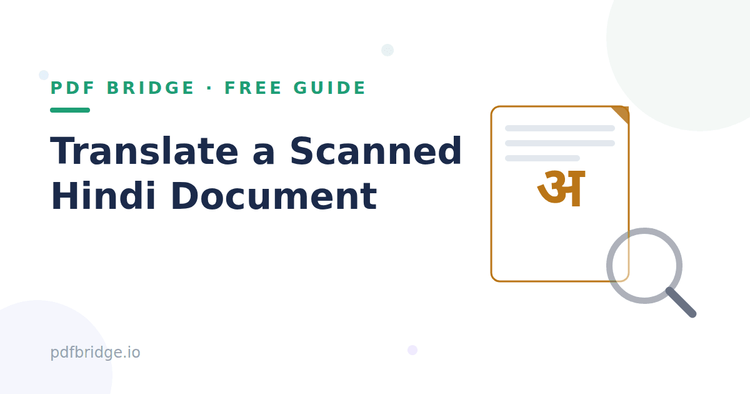
Scanned PDFs (photos of documents) need OCR first — make sure your scan is clear and well-lit for the best result. Always proofread important documents like certificates before submitting them officially. Keep a copy of the original Hindi file alongside the translated one.
Why not just use Google Translate?
Google Translate is great for sentences, but it can't take a 5-page Hindi PDF and give you back a properly formatted English PDF. You'd be copying page by page and rebuilding tables by hand. A dedicated PDF translator does the whole document in one go.