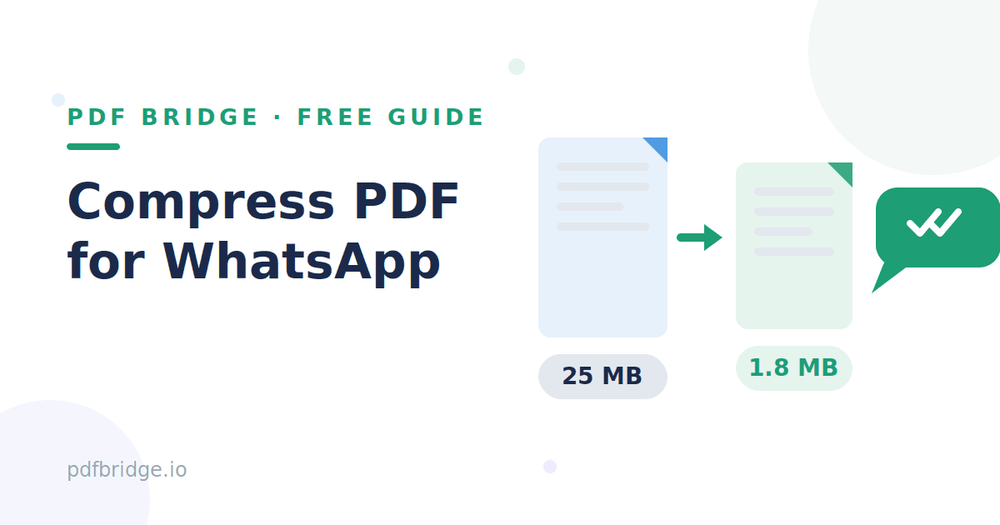
Last month a friend sent me his wedding video on WhatsApp. It arrived as a blurry smear — he'd compressed it by "just taking screenshots," and the text was unreadable. The same thing happens with PDFs. WhatsApp caps documents at 2 GB in theory, but anything over a few MB crawls on slow data, and phone storage fills up fast. The fix isn't to accept a blurry file — it's to compress the PDF properly before sending. Here's how.
Step 1: Upload your PDF
Open PDF Bridge's Compress PDF tool and drop in your file. Scanned notes, ebooks, reports — anything. The tool shows you the original size first, so you know what you're working with.
Step 2: Pick your compression level
This is where people go wrong. There are two levels: a "Recommended" level that balances size and quality, and a "Smallest file" level that squeezes harder. For WhatsApp, start with Recommended. In my testing, a 2.5 MB scanned document came down to about 1 MB — a 59% reduction — with zero visible difference on a phone screen.
Step 3: Download and share
Hit compress, download the smaller file, and send it like any other document on WhatsApp. The recipient gets a file that opens instantly instead of timing out on their data.
Why not just screenshot the pages?
Screenshots are the worst way to "compress" a PDF. A 10-page document becomes 10 images, the text can't be searched or copied, and quality dies at every step — camera screenshots of a screen are even worse. A properly compressed PDF keeps everything: one file, searchable text, crisp pages. It just weighs less.
What's the ideal size for WhatsApp?
Honestly, anything under 5 MB sends comfortably on a 4G connection and opens fast on budget phones. Under 2 MB is ideal for group chats where everyone downloads it. You don't need to chase the absolute smallest file — once you're under 2–3 MB, extra compression buys you almost nothing but costs you quality.
Which compression level should I choose?
"Recommended" is the right answer for roughly 9 out of 10 files. It strips redundant data and re-encodes images smartly. The "Smallest file" level goes further by downsampling images more aggressively — use it only when you must squeeze under a hard limit, like WhatsApp Web on a very slow connection, and preview the result first. Text documents barely shrink below a point anyway; the gains come from images.
Will compression make my PDF blurry?
Not if you do it right. Compression mainly targets embedded images and redundant file structure. Text stays razor sharp at any level — it's vector data, not pixels. Images keep full quality at the Recommended level; they only soften when you push to the smallest-file extreme. I compared a compressed page side by side with the original on my phone and couldn't tell them apart.
Compress vs ZIP — what's the difference?
A ZIP file makes the download smaller but the recipient has to unzip it — and many phone users don't know how. A compressed PDF opens directly in WhatsApp's built-in viewer with one tap. For sharing with family, clients, or anyone non-technical, compressed PDF wins every time. ZIP is only worth it when you're bundling multiple files together.
Related tools: Compress PDF for free, Merge PDF files online, Split PDF pages online
Frequently Asked Questions
Does WhatsApp compress PDFs automatically?
WhatsApp re-compresses photos and videos aggressively, but documents (including PDFs) are sent as-is. That's exactly why compressing beforehand matters — whatever you send is what they get.
How much can compression reduce a PDF?
Scanned/image-heavy PDFs often shrink 50–70%. Text-only PDFs are already efficient and may only drop 10–20% — but every megabyte helps on mobile data.
Can I compress a PDF on my phone?
Yes — PDF Bridge's compressor runs entirely in your browser, so it works on Android and iPhone without installing an app.
Is the compressed file still a real PDF?
Yes. Same format, same pages, same fonts. It opens in any PDF reader and prints the same.