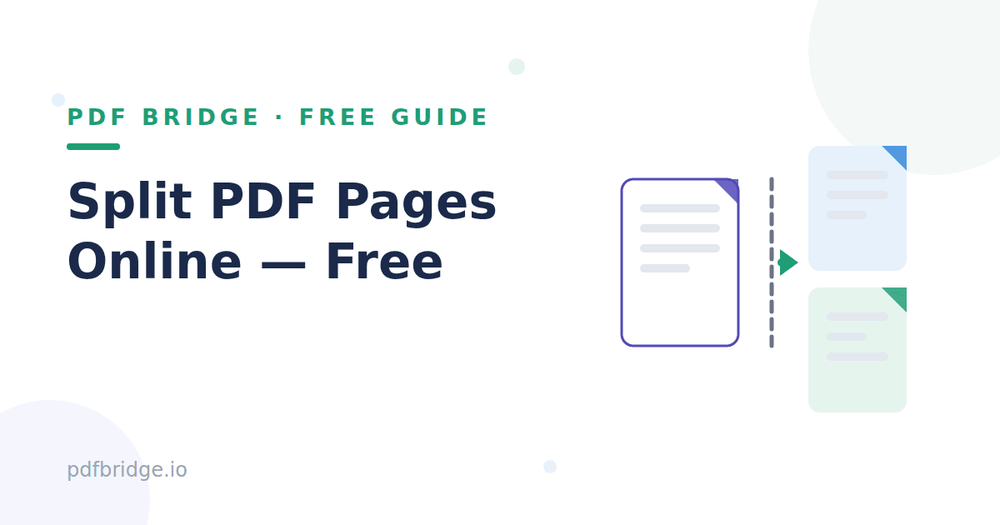
I once had a 200-page ebook and needed just chapter 4 for a class presentation. Scrolling and screenshotting felt ridiculous. Then I learned you can simply split the PDF and take only the pages you need. Here's how — free, in your browser.
Step 1: Upload your PDF
Open PDF Bridge's Split PDF tool and drop in your file. It works with large documents too — textbooks, reports, manuals, whatever you've got.
Step 2: Choose your pages
Pick the exact pages you want to extract — a single page, a range like 12–18, or several separate ranges. You can also split the whole document into individual pages if that's what you need.
Step 3: Split and download
Click split. Your new PDF with only the selected pages downloads in seconds, with the original quality untouched.
When is splitting useful?
Studying — pull one chapter out of a 500-page textbook. Sharing — send only the relevant pages instead of a heavy full file. Forms — extract the two pages you actually need to fill. Archiving — break a giant scan into smaller, organized files.
Split vs extract — what's the difference?
They're two sides of the same thing. "Extracting" takes specific pages out into a new file. "Splitting" divides a document into multiple files. Most split tools (including this one) do both — you choose pages, you get files.
Tips for clean splits
Note your page numbers first — flipping through a 200-page PDF twice wastes the very time you're trying to save. If you need non-consecutive pages (like 3, 7, and 12), most tools let you select them together. Keep the original file until you're sure the split version has everything.
Will splitting reduce quality?
No. Splitting just reorganizes pages — text, images and formatting stay exactly as they were. The new file is simply smaller because it has fewer pages.
Related tools: Split PDF online free, Merge PDF online free, Remove pages from PDF
Frequently Asked Questions
Is splitting PDFs free?
Yes — PDF Bridge's free plan covers splitting within the daily document limit. No signup needed to start.
Can I extract just one page?
Yes. Select a single page number and you'll get a one-page PDF.
What if I need pages 5, 9 and 14?
Select all three page numbers together — you'll get one PDF containing exactly those pages.
Are my files private?
Files are processed for the split and auto-deleted as per the retention policy.