I once spent 20 minutes rewriting an email because Gmail refused to attach a 30 MB portfolio PDF. Then I did what most people do — I uploaded it to Drive and sent a link. The client never opened the link. Attachments get read; links get forgotten. A compressed PDF that fits in the email itself is worth more than a beautiful one that lives behind a link nobody clicks. Here's the faster path.
Step 1: Know your limit
Gmail and Outlook both cap attachments at 25 MB. Many company servers are stricter — 10 MB is common. If your PDF is over the limit, don't split it across three emails. Compress it.
Step 2: Upload and compress
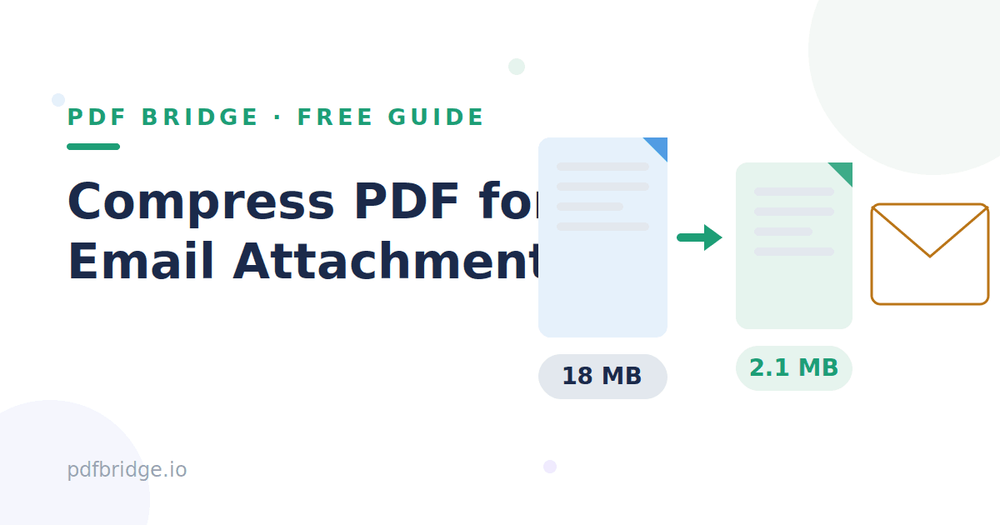
Open PDF Bridge's Compress PDF tool and drop in your file. Choose the "Recommended" level first. A scanned 25 MB document often lands around 8–10 MB — small enough to attach directly, with pages that look identical.
Step 3: Check the size, then attach
Download the compressed file and glance at its size in your file manager. If it's under your limit, attach it like normal. If it's still too big, run it through once more at the smaller-file level — but check the quality before sending, especially to a client.
Why do email providers limit attachment size?
Email was designed for text, not files. Every attachment gets encoded (which inflates it by about a third), stored on the sender's server, stored on the receiver's server, and downloaded by the receiver. The 25 MB limit keeps that chain from breaking. Compression shrinks the file before it ever enters that pipeline — everything downstream gets faster: your upload, their download, even their inbox search.
Should I use the recommended or smallest-file level?
For resumes, invoices, and reports, "Recommended" is enough — it usually cuts 40–60% off scanned PDFs while text stays perfectly sharp. Reach for the smallest-file level only when you're fighting a hard limit: a 10 MB company cap with a 12 MB file, for instance. Just remember the trade-off: smaller file, softer images. For a job application, never sacrifice quality — recruiters print these.
Will the recipient notice any difference?
In almost every case, no. They get the same pages, same text, same layout. Text is vector data and doesn't degrade at all. The only visible change comes from aggressive image compression — and even then, it's the kind of difference you spot only when zooming in side by side, not when reading the document.
Compress vs Drive/Dropbox link — which is better?
It depends on who you're emailing. For clients, recruiters, and government offices, attachments win — they open instantly, they don't expire, and they don't require the recipient to log in anywhere. For internal team sharing or files above 50 MB, a cloud link is fine because everyone already has access. When in doubt, attach the compressed file and mention it's a smaller version — nobody ever complained that an email attachment opened too fast.
A quick checklist before you hit send
Compress first, attach second. Confirm the final size is under the limit. Open the compressed file once yourself — check the first and last pages, plus any page with photos. Rename it clearly (client-name-proposal.pdf beats document-final-v2-REAL.pdf). And keep the original file on your drive; you'll want it if you ever need a high-resolution print version.
Related tools: Compress PDF for free, Merge PDFs into one file, Remove pages from PDF
Frequently Asked Questions
What's the email attachment size limit?
Gmail and Outlook allow up to 25 MB per email including attachments. Many corporate servers allow only 10 MB. Compressing below your limit keeps the send smooth.
Can I compress a PDF to under 10 MB?
Usually yes, especially scanned documents which often shrink 50–70%. Text-only PDFs shrink less, but they start small anyway.
Is it better to ZIP a PDF for email?
No. A ZIP must be unzipped by the recipient, and many people read email on phones where unzipping is a hassle. A compressed PDF opens with one tap.
Does compression remove pages or change the layout?
No. All pages stay, in the same order, with the same layout. Only the file's internal data is packed tighter.