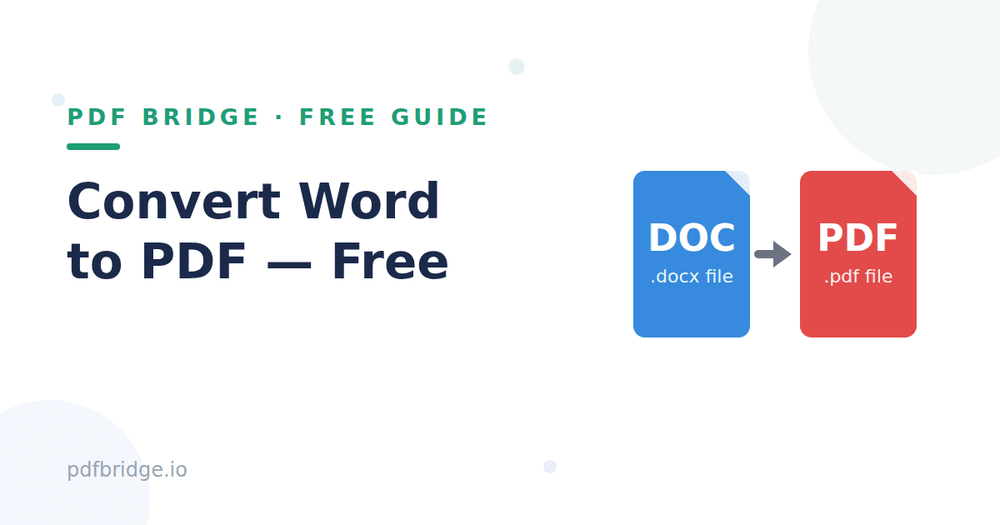
Your resume looks perfect in Word — but on the recruiter's phone, the formatting is a mess. Different Word versions, different fonts, different layouts. The fix is simple: send a PDF instead. Here's how to convert Word to PDF free, with no signup and no software.
Step 1: Upload your Word file
Open PDF Bridge's Word to PDF converter and drop in your .doc or .docx file. Works from your phone or computer — no installation needed.
Step 2: Convert
Click convert. Your document is turned into a PDF in seconds, with fonts, images, tables and layout preserved exactly as you designed them.
Step 3: Download and share
Download your PDF and send it anywhere — email, WhatsApp, job portals. It will look identical on every device, every time.
When should you convert Word to PDF?
Job applications — resumes and cover letters must look the same on the recruiter's screen. Official submissions — forms, applications and reports that shouldn't be edited. Sharing documents — no more "the formatting broke on my phone" complaints. Printing — PDFs print exactly as designed, Word files sometimes don't. Archiving — PDFs are the standard for long-term document storage.
Tips for a perfect conversion
Use common fonts (like Arial, Calibri, Times New Roman) — rare fonts may be substituted on other systems. Check your page breaks before converting; what fits on your screen should fit on the page. Embed images at good resolution — blurry images in Word stay blurry in PDF. If your document has tracked changes or comments, accept or remove them first so they don't appear in the final PDF.
Word vs PDF — when to use which
Keep it in Word when the document still needs editing or collaboration. Convert to PDF when it's final and being sent, submitted or published. Rule of thumb: if someone else will only *read* it, send a PDF.
Related tools: Word to PDF converter, PDF to Word converter, Compress PDF online free
Frequently Asked Questions
Q: Is converting Word to PDF free?
A: Yes — PDF Bridge's free plan covers Word-to-PDF conversion within the daily document limit. No signup needed.
Q: Will my formatting stay the same?
A: Yes. Fonts, images, tables and layout are preserved in the converted PDF.
Q: Can I convert on my phone?
A: Yes. The converter runs in your browser, so it works on Android and iPhone without any app.
Q: Are my files private?
A: Files are processed for the conversion and auto-deleted as per the retention policy.