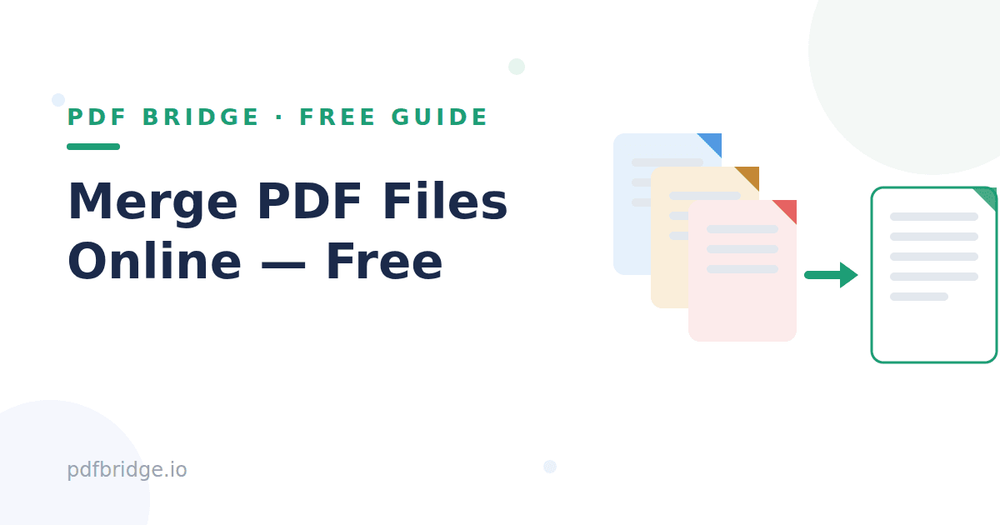
Applying for a job and need your resume, cover letter and certificates as one PDF? Or submitting an assignment made of five separate files? Here's how to do it free, in your browser, in under a minute.
Step 1: Upload your PDFs
Open PDF Bridge's Merge PDF tool and drop in two or more PDF files. Drag and drop, or click to browse files on your device.
Step 2: Arrange the order
Use the up/down arrows to set the page order — the file on top becomes the first pages of your merged document. Double-check this before merging.
Step 3: Merge and download
Click Merge. Your single combined PDF is ready to download in seconds, with original quality kept.
When is merging useful?
Job applications — resume + cover letter + certificates as one file. College assignments — chapters, references and reports combined. Invoices and receipts — a month's bills in one organized PDF. Form submissions — all supporting documents together before uploading.
Tips for clean merges
Check the order twice — fixing order after merging means doing it again. Merging doesn't shrink files: if your merged PDF is too large to email, run it through a PDF compressor afterward. Keep your separate source files until you're sure the merged version is correct.
Do I need to install anything?
No. Everything runs in your browser — works on Windows, Mac, Android and iPhone. No signup needed to start.