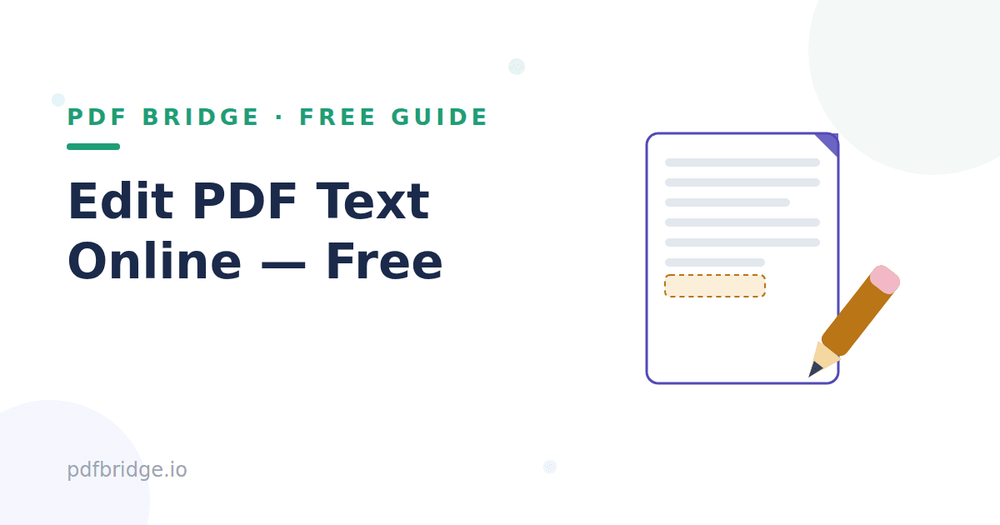
Spotted a typo in your PDF after sending it? Wrong date on a form? Need to add your signature? You don't need expensive software. Here's how to edit PDF text online, free, right in your browser.
Step 1: Upload your PDF
Open PDF Bridge's Edit PDF tool and drop in your file. It works on any device — your phone, tablet or computer. No download, no signup needed to start.
Step 2: Make your edits
Click on the text you want to change and type your correction. You can also add new text boxes, highlight important sections, draw annotations, and place your signature. The tool keeps the rest of your document exactly as it was.
Step 3: Download your edited PDF
Save the updated file and you're done. The edited PDF looks clean — no messy overlays, no watermarks.
What can you actually edit?
Fix typos and wrong dates in reports, letters and resumes. Fill in form fields on applications and official documents. Add your signature to contracts and agreements. Highlight and annotate study material for exams. Add page numbers or notes before sharing a file.
What online editors can't do well
Be honest about limits: heavily designed PDFs (like brochures) can be tricky to edit precisely — recreating the source file is sometimes better. Scanned image PDFs need OCR before the text becomes editable. Password-protected PDFs must be unlocked by their owner first.
Tips for clean edits
Match the existing font size as closely as you can so your correction blends in. For forms, fill every required field before downloading — reopening to add one more field costs you another round trip. Always keep a copy of the original PDF before editing, just in case. After editing an official document, re-read the whole page once — edits can subtly shift line spacing.
Why not convert to Word, edit, and convert back?
That round trip (PDF → Word → PDF) often breaks formatting, especially tables. Editing the PDF directly keeps everything exactly where it was. For small fixes — a typo, a date, a signature — direct editing is always faster.
Related tools: Edit PDF online free, PDF to Word converter, Merge PDF online free
Frequently Asked Questions
Q: Is editing PDFs online really free?
A: Yes — PDF Bridge's free plan covers PDF editing within the daily document limit. No signup needed to start.
Q: Can I add my signature to a PDF?
A: Yes. You can place a signature on contracts, forms and agreements directly in the editor.
Q: Will editing change my document's layout?
A: No. The rest of your pages stay exactly as they were — only your edits are applied.
Q: Are my files safe?
A: Files are processed for editing and auto-deleted as per the retention policy.