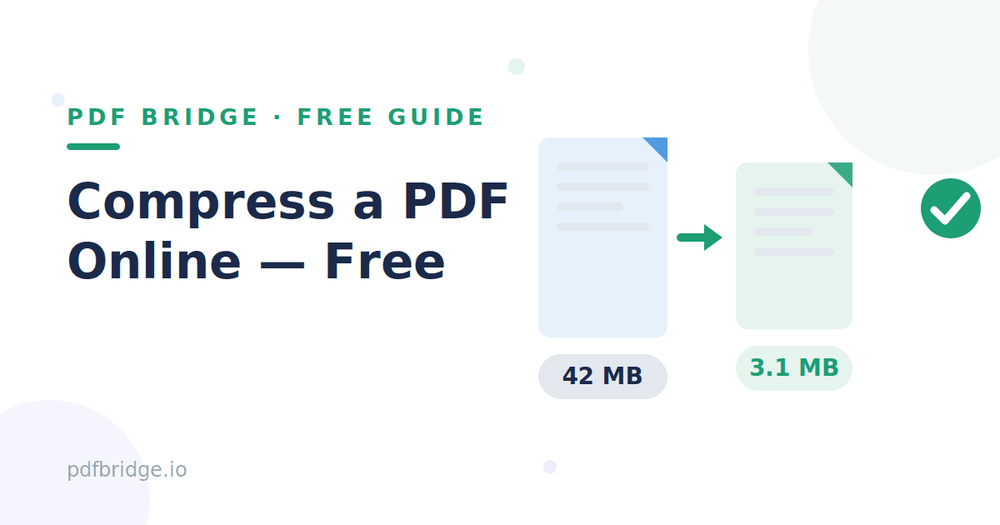
My friend's scanned assignment was 42 MB. Gmail refused it, WhatsApp refused it, and the college portal — limit 2 MB — wouldn't even look at it. He didn't need a new scanner. He needed the file to be smaller — and he needed it in the next ten minutes. That's a familiar panic.
Almost every oversized PDF has the same cause: images. A scanned page is a photo, and photos are heavy. Text is light.
So a 40-page text PDF might be 2 MB, while a 10-page scanned one is 40 MB — that's the gap you're closing. Compression works by shrinking those images — and the trick is knowing how far to go.
Step 1: Find out why your PDF is so big
Open the file and look. If the pages are photos of paper — a scanned book, a photographed form — images are the problem, and compression will help a lot. If the pages are mostly text with a few logos, the file is probably already small, and something else is the cause. Knowing this tells you what to expect: scanned files can shrink by 80 or 90 percent, while text files shrink much less. Don't expect miracles from a file that's already mostly text.
Step 2: Compress the PDF online, free
Open PDF Bridge's Compress PDF tool, upload the file, and compress it. One pass is usually enough — download the result and check the new size. If it went from 42 MB to 4 MB, you're done for most purposes. If you need it smaller still, compress the result once more — but check the quality after each pass, because every pass costs a little sharpness. Don't skip that check.
Step 3: Check the result before you send it
Open the compressed file and zoom in on a page with small text. If it's still readable, the compression worked. If the letters have gone fuzzy or the stamp is a smudge, you've gone too far — go back to the original and compress less. Never send a file you haven't opened. A blurry marksheet or certificate helps nobody, and the person receiving it can't fix it for you.
How much compression is too much?
It depends on what the PDF is for — there's no single right answer. A form upload just needs to be readable on screen. A printed certificate needs to stay sharp on paper. A good rule: if you can read the smallest text on the page at full zoom, it's fine. If you've got to squint, back off a step. And always keep the original — compression throws detail away, and you can't get it back.
The right size for each place
Gmail accepts attachments up to 25 MB — Google's own help page says so, and that's the official number — but many offices set their own lower limit, so 10 MB is a safer target. WhatsApp documents cap out lower, and college or job portals often want under 2 MB. Our guides to compressing a PDF for email and for WhatsApp cover the exact limits for each. When in doubt, aim for the smallest size that stays readable — you won't regret it.
If compression isn't enough
Sometimes one file is just too big even after compression — a 200-page scanned book, for instance. Then split it — send the chapters you need as separate files with our Split PDF tool, or compress each half on its own. It's the same file, just in pieces. Splitting first and compressing second usually beats compressing one giant file, because each half gets the full treatment.
A quick checklist before you send
Original saved separately. Compressed once, size checked. Smallest text readable at full zoom. Size under the limit of wherever it's going. File sent — and the original kept for next time.
Related tools: Compress PDF, free, Compress PDF for email, Compress PDF for WhatsApp, Split PDF pages online
Frequently Asked Questions
How do I compress a PDF online for free?
Upload it to a free Compress PDF tool, compress it in one pass, and download the smaller file. No signup needed.
Will compression make my PDF blurry?
A little, if you push it hard — that's the trade-off. Light compression is invisible; heavy compression blurs small text and stamps — check at full zoom.
What's the best size for emailing a PDF?
Under 10 MB is safe for most inboxes, even though Gmail allows 25 MB. Portals often want under 2 MB.
Can I compress a scanned PDF?
Yes — scanned PDFs compress the best, because they're mostly images. Expect 70–90% smaller — that's typical for scans.
Is it safe to upload my PDF to compress it?
Use a tool you trust, and don't upload sensitive documents to random sites. Keep the original safe — you'll need it if you over-compress.